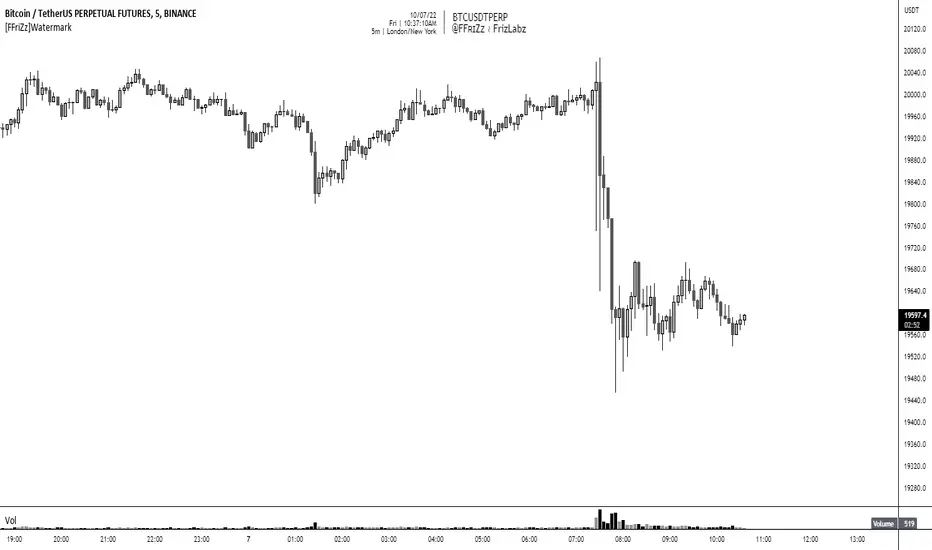
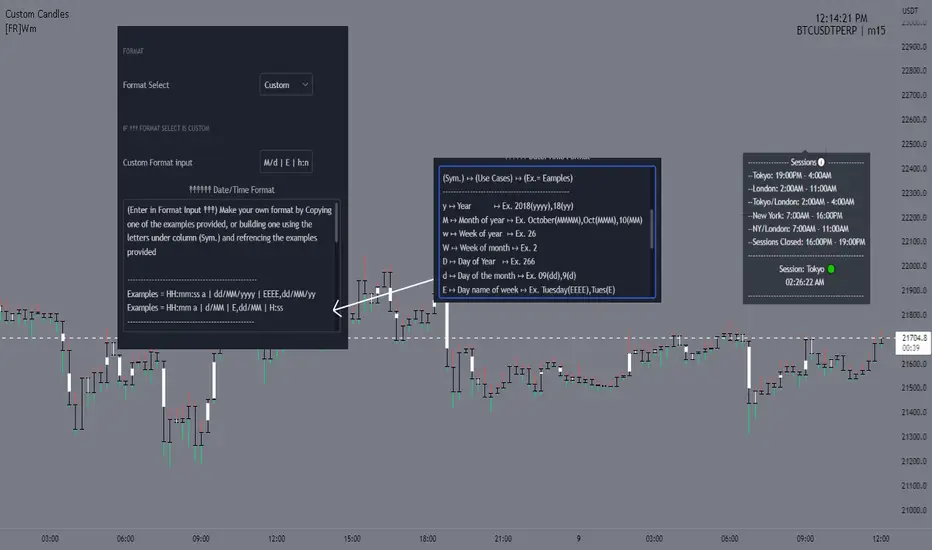
Streamer WatermarkThis unique indicator doesn’t help you trade but it makes your charts look super clean and professional in images and live streams! This indicator works by displaying two tables. The first table has day of the week, date, and free form text. The second table has ticker symbol and timeframe of the current chart.
Everything about the tables and the cells is completely controllable by the user! Here is a breakdown of how customizable the user can make this indicator:
Table:
Toggle each table to be displayed on or off
Move each table into 9 different locations around the chart
Move each table separately
Table background color and transparency
Table border color and transparency
Table border width
Table frame width
Cells:
Each cell can be individually toggled on or off (the table will resize dynamically)
Cell text color and transparency
Text size with 6 different options
Date format with 12 different formats
Input Text:
Text
Emoji
Text & emojis
ASCII characters
Symbols
Anything that can by copied and pasted
Any combination of the above
Notes
Use text size “Auto” if viewing the same chart on desktop and on smart phone (Auto makes the text scale based upon screen size)
Gallery
Disclaimer
Please read the TradingView House Rules carefully before using this indicator to add text, symbols, characters, or anything else to your charts and posting on TradingView Ideas or Scripts. This indicator and the author are not responsible for users not reading, fully understanding, and abiding by TradingView’s House Rules. Please watermark responsibly.
Watermark
Scrolling WatermarkThis is an improvement on the watermark published by TradingView.
Along with displaying a little bit of text on the corner of your chart, this text scrolls from left to right, or right to left! You choose!
This functionality works on all live charts. It will not scroll if the chart is currently inactive. :(
Even though this is based on the indicator by TradingView This script uses entirely original code and method developed by myself.
"Do keep in mind that if you use it when publishing ideas, videos or scripts, House Rules prohibit advertising on your chart." -Watermark by TradingView
watermarkJust for fun... watermark graphics! The steps are:
1. Choose an image, probably no more than 20x20 pixels
2. Use an image library to convert each pixel into a table cell, as shown in the script.
I used they Python "pillow" library for step 2. This library allows you to iterate over each pixel, grab the RGB value, and generate table cells. You can use the width/height attributes of each cell to size the watermark.
Be careful, because Pinescript has a maximum character limit around 60,000 or so, and this script will reach that limit quickly. You also run into some limitation on table size, I think. That's why I suggest using no more than a 20x20 image.
Pictured in this chart is a legendary trader... message me if you would like to commission your own watermark.
watermark_asciiJust for fun... You can make an ascii watermark! The steps are:
1. Convert an image into ascii, e.g. using an online generator.
2. Split the ascii into strings that are no more than 4096 characters (pinescript limit).
3. Stack them together as cells on a table (as shown in the script).
I use code generation for step 2, by splitting the ascii file into chunks, then joining each line with a plus sign to make a large string concatenation statement, which I manually copy/paste into pine. Ideally, you could make this whole script into a template with a couple parameters.
Unfortunately, Pinescript doesn't use a monospaced font, so there will be some distortion. Feature request!
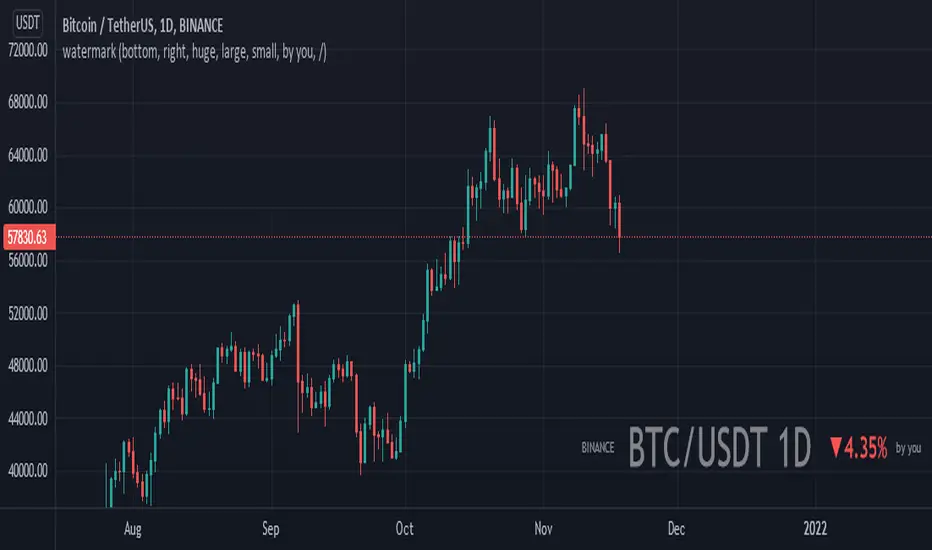
watermarkA little indicator to show what pair your chart is presenting so people can easily see what they are dealing with
you can also put your signature beside it so you can be easily recognizable.
AG FX - WatermarkHi guys,
If you are looking to add some watermark into your charts. You can use this indicator.
You can add add a title and a subtitle, if you want to write in diferents lines, you can use as you can see in the script.
All the features are customizable: position, text size, text color, background.
Enjoy it.
Custom WaterMark + 4EMA [SilentKreator]4 Ema + Custom Watermark, you can customize everything, in the watermark you can write your name, is a tool to visually protect your work, mainly for streamers and analysts.